Lets Install LeadsCrush tracking code on your WordPress site, code will be available on Leads Crush app dashboard.

1. Copy LeadsCrush tracking code

Go to Leads Crush app dashboard and copy the complete code.

Login to your WordPress account!

2. Click on Appearance then click on Editor from the menu.

Screenshot 2024-11-19 at 4.21.39 PM.png

3. Find and click on Header (header.php)

Screenshot 2024-11-19 at 4.22.18 PM.png

4. Find <head> tag and Paste TruConversion tracking code just before this </head> tag

Screenshot 2024-11-19 at 4.22.41 PM.png

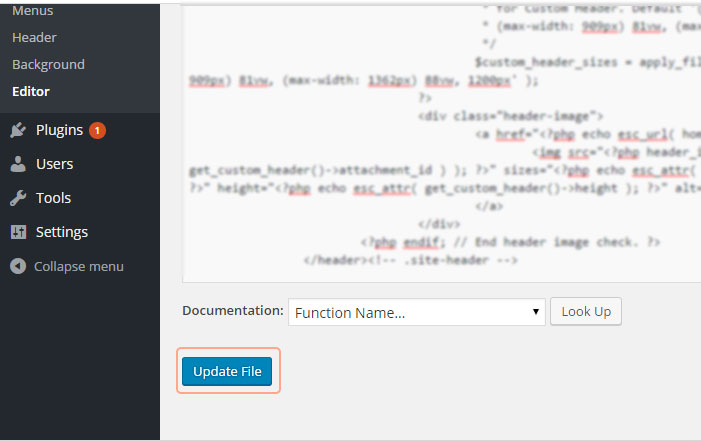
5. Click “Update File” at the bottom of editor windows

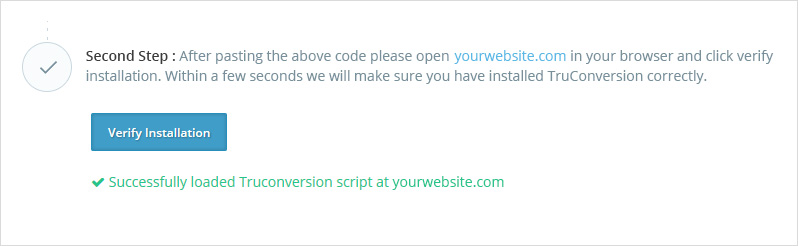
6. Verify Code Installation

Open your site in a browser, let it fully load . Then go to Leadscrush application dashboard, and click on VERIFY INSTALLATION.